EARLY ACCESS · LAUNCHED SEP 28, 2026
Bug Cleaners Wiki
Finish the right tasks, recover tools and choose comfortable settings for your next job.
Start with these3
 Start here
Bug Cleaners beginner guide
 Core tools
Bug Cleaners tools guide
 Hardest task
Bug Cleaners nests and Sniffers guide
Bug Cleaners is a co-op cleaning game where an ordinary-looking house is crawling with roaches, spiders and hidden nests. You and up to three friends load up on a blowtorch, a pesticide sprayer and a power vacuum, clear every room, and get paid for the mess.
The game launched into Early Access on September 28, 2026, with five maps at launch and a ten-map target for the full release. This site sticks to what the current build actually does: launch facts, the tool each job really needs, and the nest-hunting tricks that stop the last three nests from ruining a run.
Your first hour, in five steps
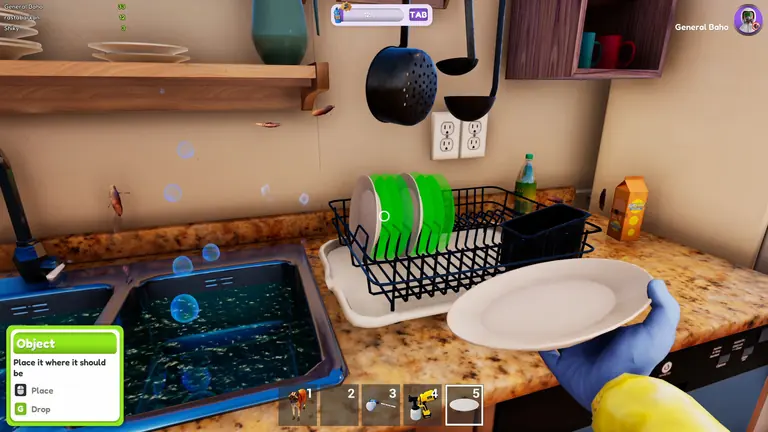
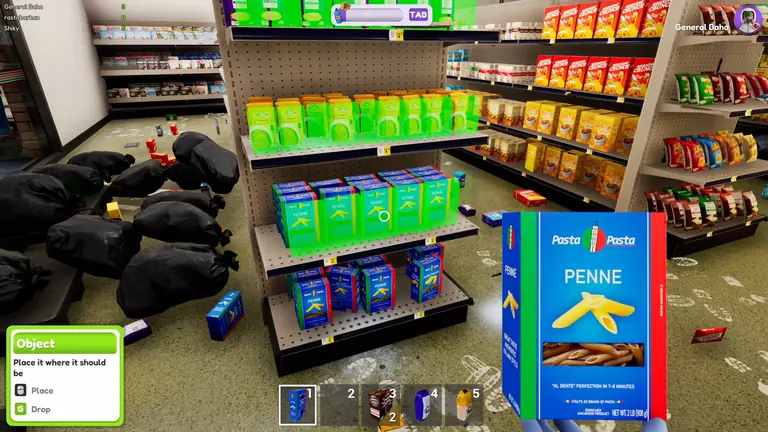
- Unload at the truck. Tools spawn at your truck outside the property. Since the September inventory rework you can carry several items at once, and the slots are shown on the HUD at the bottom of the screen.
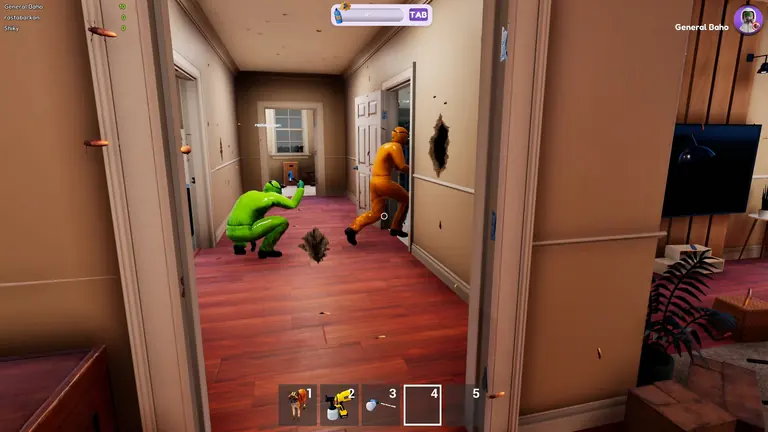
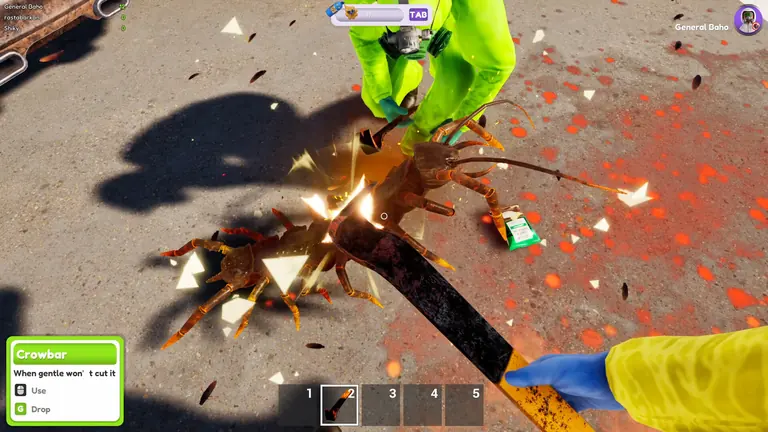
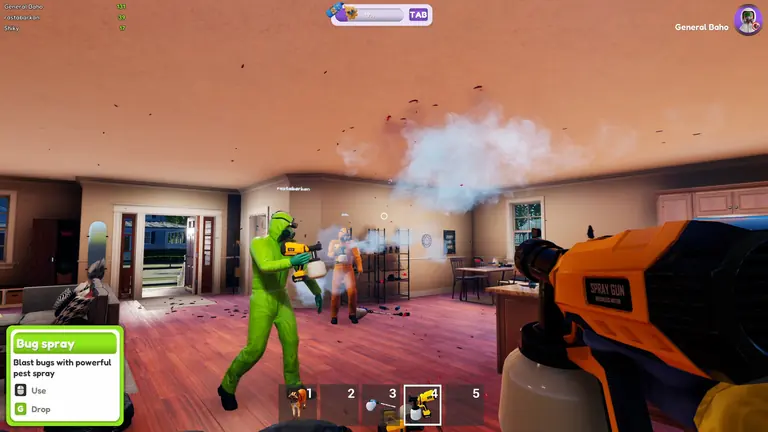
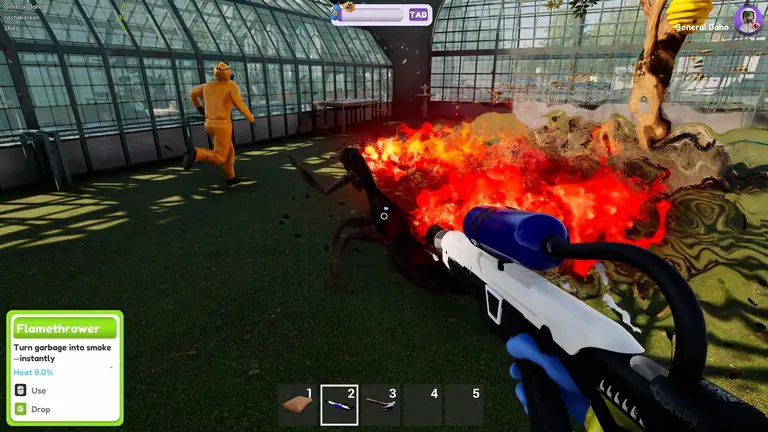
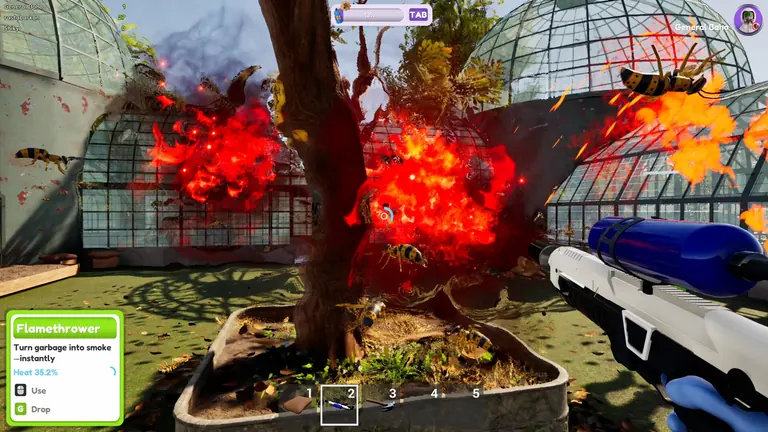
- Kill the visible bugs first. Roaches scatter when sprayed, the blowtorch handles trash piles as well as insects, and the vacuum clears a floor in seconds. Full breakdown in the tools guide.
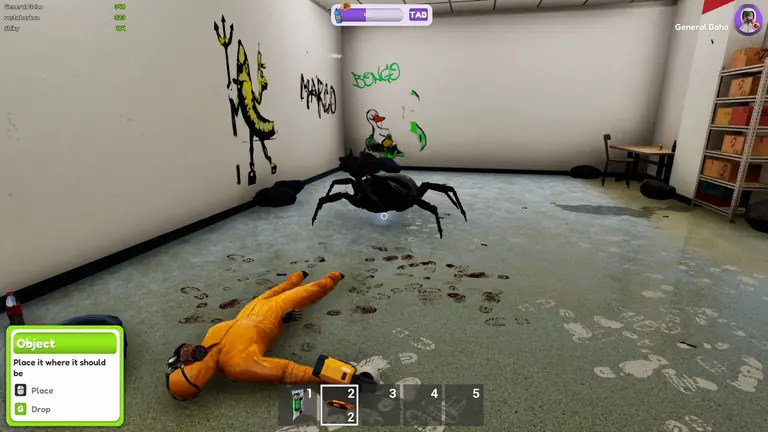
- Destroy every nest with the pesticide sprayer. Nests are the real objective of every job, and the sprayer is the only tool that kills them. See nests and Sniffers.
- Use the cat for the nests you cannot find. Sniffers hisses when a nest is close by. Feed her first when the food icon appears, carry her, then walk her through the rooms you have already cleared.
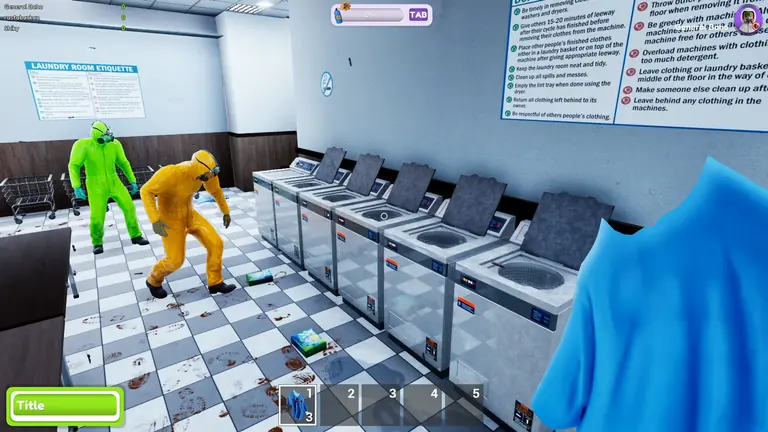
- Finish the required optional share. Clear mandatory bug objectives, then read the target next to the current percentage. Solo requires 75% of optional tasks; four-player co-op requires 90%. Use cleaning and laundry for the current machine workflow.
Quick answers
| Question | Short answer | Where to read |
|---|---|---|
| How do you destroy nests? | Pesticide sprayer only — nothing else works | Nests guide |
| How do you use the cat? | Feed her, carry her, then use her and walk | Nests guide |
| Can you play solo? | Yes, and online co-op goes up to four players | Co-op guide |
| Tools or the cat disappeared? | Press J to teleport all tools back to the truck | Fixes guide |
| How many maps at launch? | Five now, ten planned by full release | Early Access FAQ |
| How much does it cost? | $12.99 in the US store — the 25% launch discount ended in October | Early Access FAQ |
| Does it save your progress? | Yes — the save system arrived in the September 29 day-0 patch | Updates guide |
| How long is the game? | A few hours across the five launch maps; ten maps are planned | Early Access FAQ |
| What are the PC requirements? | Windows 10, 8 GB RAM, GTX 580 class GPU | System requirements |
Bugphobia Mode and readable hints
Enable Bugphobia Mode in Settings if the insects or their sounds make the job uncomfortable. It replaces small bugs with spheres, larger bugs with cute objects, and removes bug sounds. It changes their presentation; keep following the map's objectives.
For a visual search, press H and use the hint-colour option in Settings if red is difficult to distinguish. For camera discomfort, adjust the FOV slider. Resolution Scale, an Anti-Aliasing toggle and Unlimited FPS are separate graphics options; uncapping the framerate is not a cure for every performance problem.
For a missing tool use J, or Pause → Reset Tools. For laundry, use the clothes pickup prompt and washer/dryer counts instead of looking for the removed demo basket. Current fixes · Tool handling.
Sources: 0.5.3 changes, October 2 task fixes, settings and interaction options.