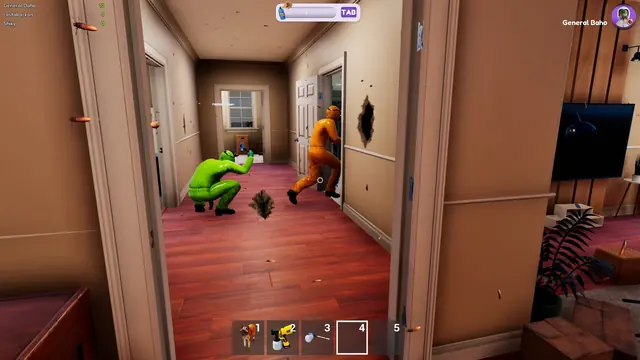
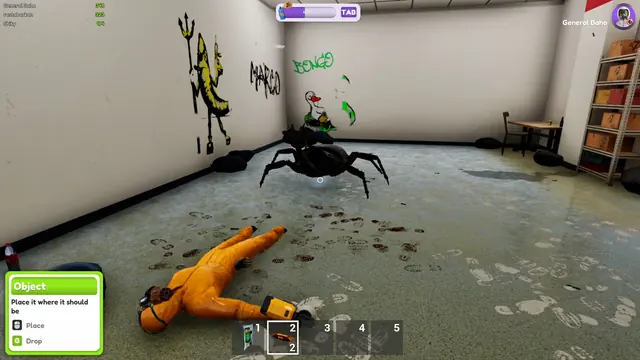
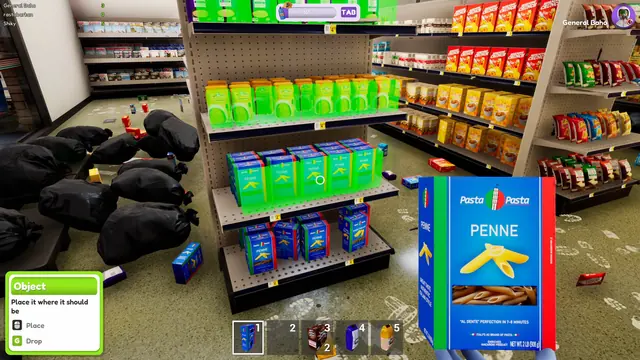
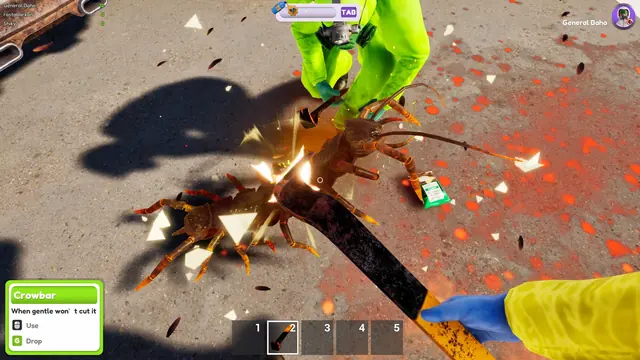
Bug Cleaners system requirements
The native Steam platform is Windows. Settings include FOV, hint colour, Resolution Scale, an Anti-Aliasing toggle and Unlimited FPS; use the option that addresses your problem.
Bug Cleaners is a light game by modern standards: the official minimum spec is built around hardware from around 2011, and the team spent the summer optimising it before launch. Here is the published spec, what it means in practice, and what to check first if the game misbehaves on your PC.
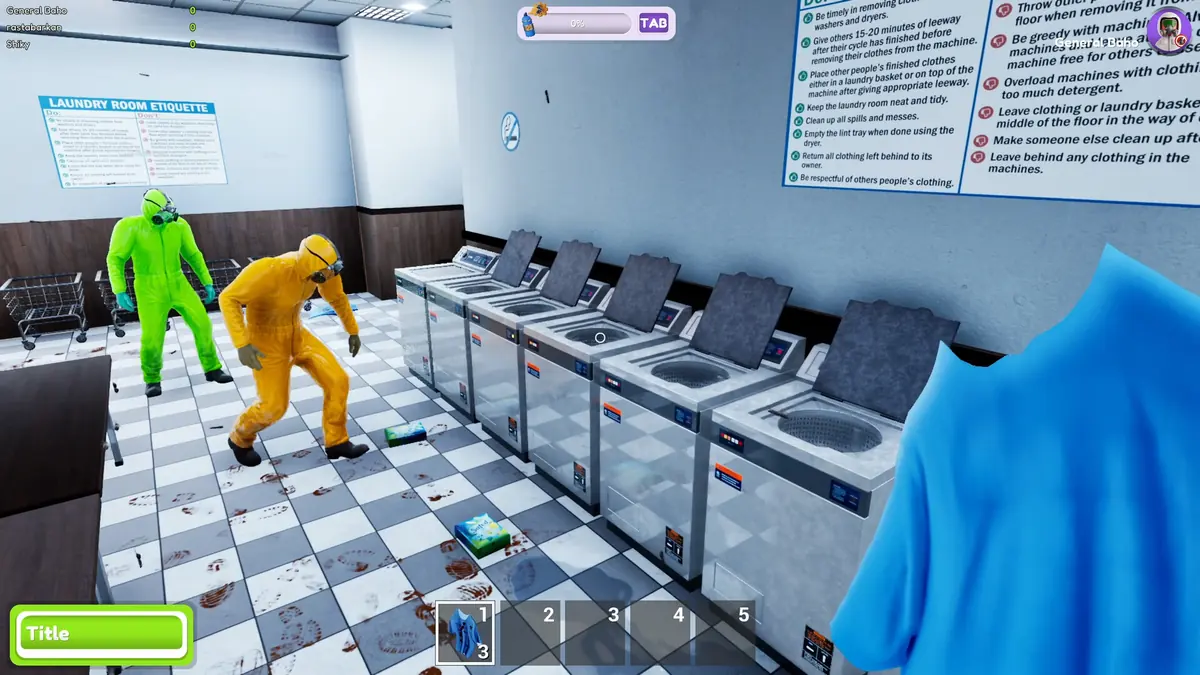
Minimum system requirements
| Component | Minimum | Notes |
|---|---|---|
| OS | Windows 10 or newer | Windows only — no macOS or Linux build is listed |
| Processor | Intel Core i3-6100 / AMD FX-8350 | Six to ten year old desktop CPUs |
| Memory | 8 GB RAM | Standard for the era the game targets |
| Graphics | GTX 580 / AMD HD 7870 | 2010-2012 mid-range GPUs |
| Network | Broadband internet connection | Required even when playing solo |
| Storage | Not published | The store page lists no storage requirement at launch |
| Input | Keyboard and mouse | No controller support is listed for the launch build — see the FAQ below |
What those specs mean in practice
- The GPU bar is very low. A GTX 580 was mid-range when it launched in 2010, so any gaming PC built in the last decade clears it comfortably. Integrated graphics from recent laptop generations are the realistic edge case, and there is no official statement about them.
- CPU matters more than usual here. Bug Cleaners is a physics-heavy game with dozens of bugs, a cat and tool objects active at once, and the developers specifically targeted stutter in their optimisation pass — they report around 50% better overall performance in the September update.
- 8 GB RAM is the real floor. If your system is hovering at 8 GB while a browser and Discord are open, the game may stutter for memory reasons rather than graphics reasons.
- Broadband is required even solo. It is an online co-op game, so the store lists a network requirement regardless of how you play. Offline play is not advertised.
If the game runs badly
The most recent visual system added was the September lighting preview, described by the developers as much more vibrant and more realistic. On a machine near the minimum spec, that is the first thing to look at in the graphics options.
Beyond that, the standard checklist applies: update your GPU driver, close background apps that hold memory, play at 1080p before trying higher resolutions, and check the Steam discussions if a specific map runs badly for everyone. Patch notes and community threads move faster than any spec sheet for this kind of issue.
FAQ
Can my PC run Bug Cleaners?
If it meets Windows 10, 8 GB RAM and a GTX 580-class GPU, yes by the official minimum spec. Anything from the last decade of gaming hardware clears it.
Does Bug Cleaners need an internet connection?
Yes. A broadband connection is listed in the minimum requirements, even for solo play, because the game is built around online co-op.
Does Bug Cleaners support a controller?
Not in the launch build. The store page lists no controller support, a player asked for it on September 29, and a developer reply on September 28 says "We are going to have controller support this week". Until that lands, keyboard and mouse is the only supported input.
Does Bug Cleaners run on Steam Deck?
Nothing official yet, and the store page carries no Steam Deck compatibility rating. Asked directly on September 28, the developers answered "not yet, we are going to try bringing it soon", and said they would test it on their own Deck once controller support is in. A native Windows listing is separate from a Steam Deck compatibility rating; check the current Steam rating before choosing a handheld setup.
Is Bug Cleaners on Mac or Linux?
No. The store lists Windows only at Early Access launch.
How big is the Bug Cleaners download?
The store page does not list a storage requirement at launch. Earlier demo builds had a save-file bloat bug that was fixed in August, which is unrelated to the final install size.
Bugphobia Mode and readable hints
Enable Bugphobia Mode in Settings if the insects or their sounds make the job uncomfortable. It replaces small bugs with spheres, larger bugs with cute objects, and removes bug sounds. It changes their presentation; keep following the map's objectives.
For a visual search, press H and use the hint-colour option in Settings if red is difficult to distinguish. For camera discomfort, adjust the FOV slider. Resolution Scale, an Anti-Aliasing toggle and Unlimited FPS are separate graphics options; uncapping the framerate is not a cure for every performance problem.
Sources: 0.5.3 changes, October 2 task fixes, settings and interaction options.