Bug Cleaners beginner guide
Clear mandatory insects and nests, then reach the optional-task target: 75% solo, 80% for two, 85% for three or 90% for four. Use H hints and J or Pause → Reset Tools for recovery.
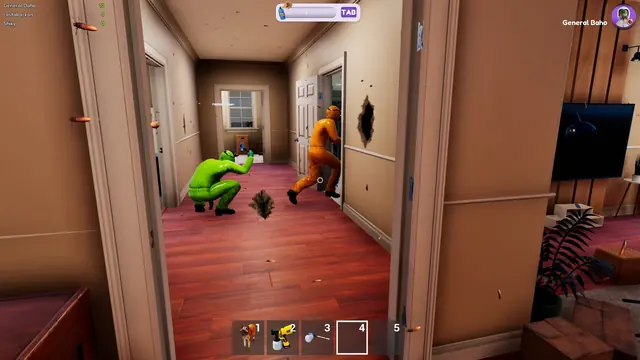
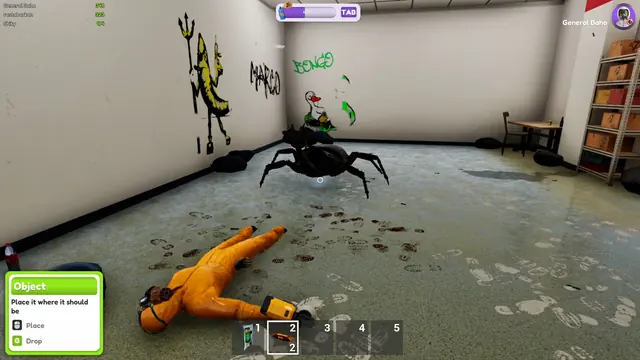
Bug Cleaners looks like a cleaning game and plays like a search-and-destroy game. Every job follows the same loop: clear the bugs, destroy every nest, then finish the cleaning checklist. The tricky part: nests hide where you will never spot them, and the game hands you a cat to fix exactly that.
The job loop, in order
- Arrive and read the objectives. You start at your truck with a fresh set of tasks for the property. The job is not done when the bugs are dead — finish the mandatory objectives, then reach the optional-task target shown on the HUD.
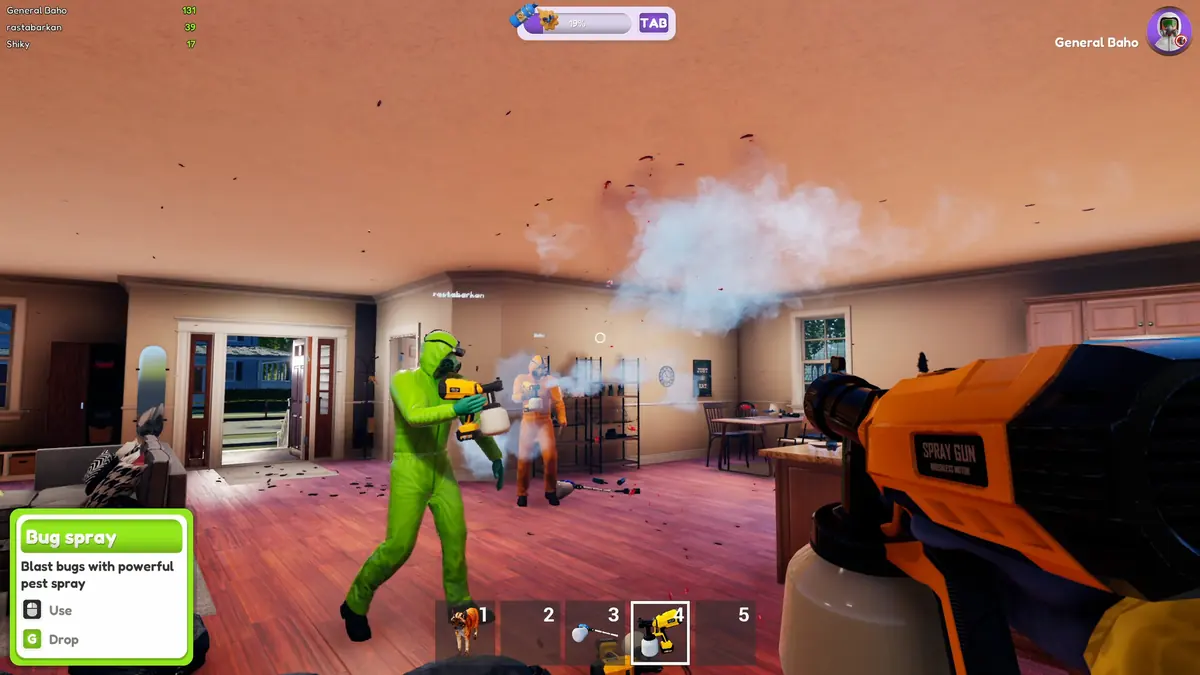
- Kill the bugs you can see. Roaches pour out of cabinets and corners. The sprayer kills on contact, the blowtorch burns through trash piles and clusters, and the vacuum sucks up stragglers.
- Destroy every nest. Nests are the source of the infestation and the only thing that ends it for good. The pesticide sprayer is the only tool that destroys them — the blowtorch does not work, however tempting it looks.
- Hunt the hidden nests. Feed the cat when the food icon appears above her head, pick her up, then walk her through every space. She hisses when a nest is close.
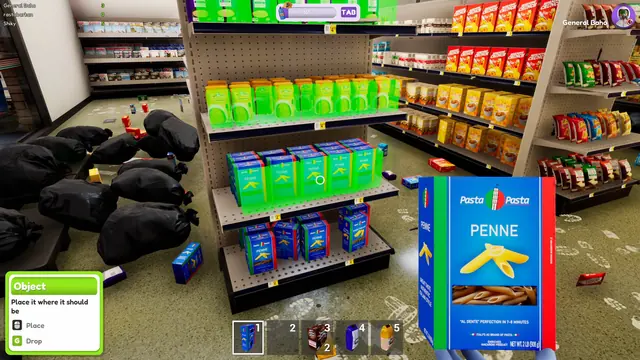
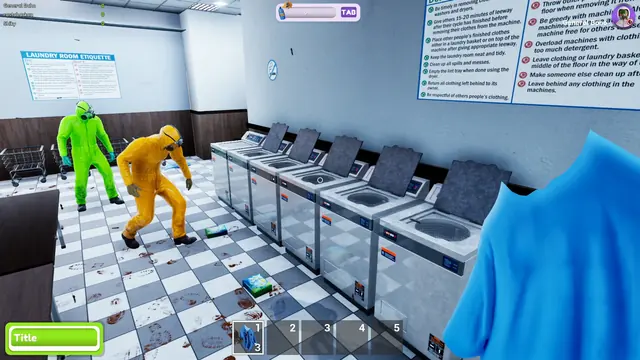
- Finish the cleaning tasks. Trash, dishes, grime and laundry make up the bulk of a job. Press H whenever you think you are done, and the game highlights whatever you missed.
The keys that save runs
| Key / control | What it does | Where it came from |
|---|---|---|
| H | Highlights remaining tasks in your view | Official Next Fest patch (June 2026) |
| J | Tool reset — teleports every tool back to the truck | Official demo patch (August 2026) |
| Unstuck | Sends you back to the start of the level instead of a few seconds back | Official demo patch (August 2026) |
| Left click | Uses the held item, including the cat | In-game control |
| Inventory | Five carry slots, shown on the bottom HUD | Official demo patch (September 2026) |
Your first job, step by step
Start with the rooms closest to the exit and work inward, since you will be carrying things back to the truck as you go. Kill the bugs in a room before you clean it, not after — spraying a freshly cleaned room is the fastest way to double your work.
When the visible bugs are gone, do one nest sweep before you touch the cleaning list. Walk every room, open cabinets and wardrobes, and check outdoors: fences, bins, the garage and the roof are all fair game. Then bring the cat out for a second sweep of everywhere her hiss reaches — she finds nests you have walked past twice.
What the game does not tell you
- You cannot heal. There are no medkits and no health pickups. When you go down you respawn outside by the truck with full health and carry on.
- Items can fall through the map. Dropping tools or the cat in the wrong spot has historically sent them out of reach. The fix in the current build is the J key, which resets tools to the truck.
- The demo was a single house. Early Access ships with five maps of different sizes and layouts, so nest counts and hiding spots change from job to job.
- Progress is saved now. The September 29 day-0 patch shipped a save system, so quitting halfway through a job no longer throws the run away. The developers describe it as working with a few minor hiccups attached, and the October 12 patch removed the old quit-map warning that still claimed progress would be lost.
- A house can now be cleared for good. Since the October 2 patch, once 90% of a bug colony is destroyed the remaining bugs die off on their own, so you can no longer get stuck chasing respawns in a house you already cleaned.
- Cleaning is most of the game. That is a fair criticism some demo players made — roughly 90% cleaning, 10% bug killing — worth knowing before you buy in if you expected a pure exterminator game.
- You can now turn the bugs off. Patch 0.5.3 (October 12) added a Bugphobia mode: small bugs become spheres, the large ones turn into cute objects and all bug sounds are muted, for players who want to clean with friends without looking at the infestation.
FAQ
How do you destroy nests in Bug Cleaners?
Use the pesticide sprayer. Bug spray is the only tool that destroys nests; the blowtorch, vacuum and bare hands only kill bugs, not the nests themselves.
How do you use the cat in Bug Cleaners?
Wait for the food icon above her head, feed her, then pick her up and use her while you walk the house. She hisses when she smells a nest — and you cannot pick her up at all until she has been fed.
How do you heal in Bug Cleaners?
You do not heal. There are no healing items — when your health runs out you respawn back at the truck with full health, and the job continues.
How do you find the last tasks in a level?
Press H. The game highlights the remaining task objects in your field of view, added specifically to stop players wandering the map for the last item.
When you can finish the job
Complete the mandatory bug-related objectives first. After that, patch 0.5.3 requires only the following share of optional tasks:
| Players | Optional tasks required |
|---|---|
| 1 | 75% |
| 2 | 80% |
| 3 | 85% |
| 4 | 90% |
Read the target beside your current percentage at the top of the screen. An unfinished optional chore is not the same as an unfinished mandatory nest or bug objective. Finished maps receive a completion medal.
Bugphobia Mode and readable hints
Enable Bugphobia Mode in Settings if the insects or their sounds make the job uncomfortable. It replaces small bugs with spheres, larger bugs with cute objects, and removes bug sounds. It changes their presentation; keep following the map's objectives.
For a visual search, press H and use the hint-colour option in Settings if red is difficult to distinguish. For camera discomfort, adjust the FOV slider. Resolution Scale, an Anti-Aliasing toggle and Unlimited FPS are separate graphics options; uncapping the framerate is not a cure for every performance problem.
Sources: 0.5.3 changes, October 2 task fixes, settings and interaction options.